It happens at almost every Bay Area event we work, from corporate mixers in San Jose to weddings in the Tri-Valley. The booth is buzzing, guests are laughing over their prints, and someone wanders over to ask, "Do you have a card?"
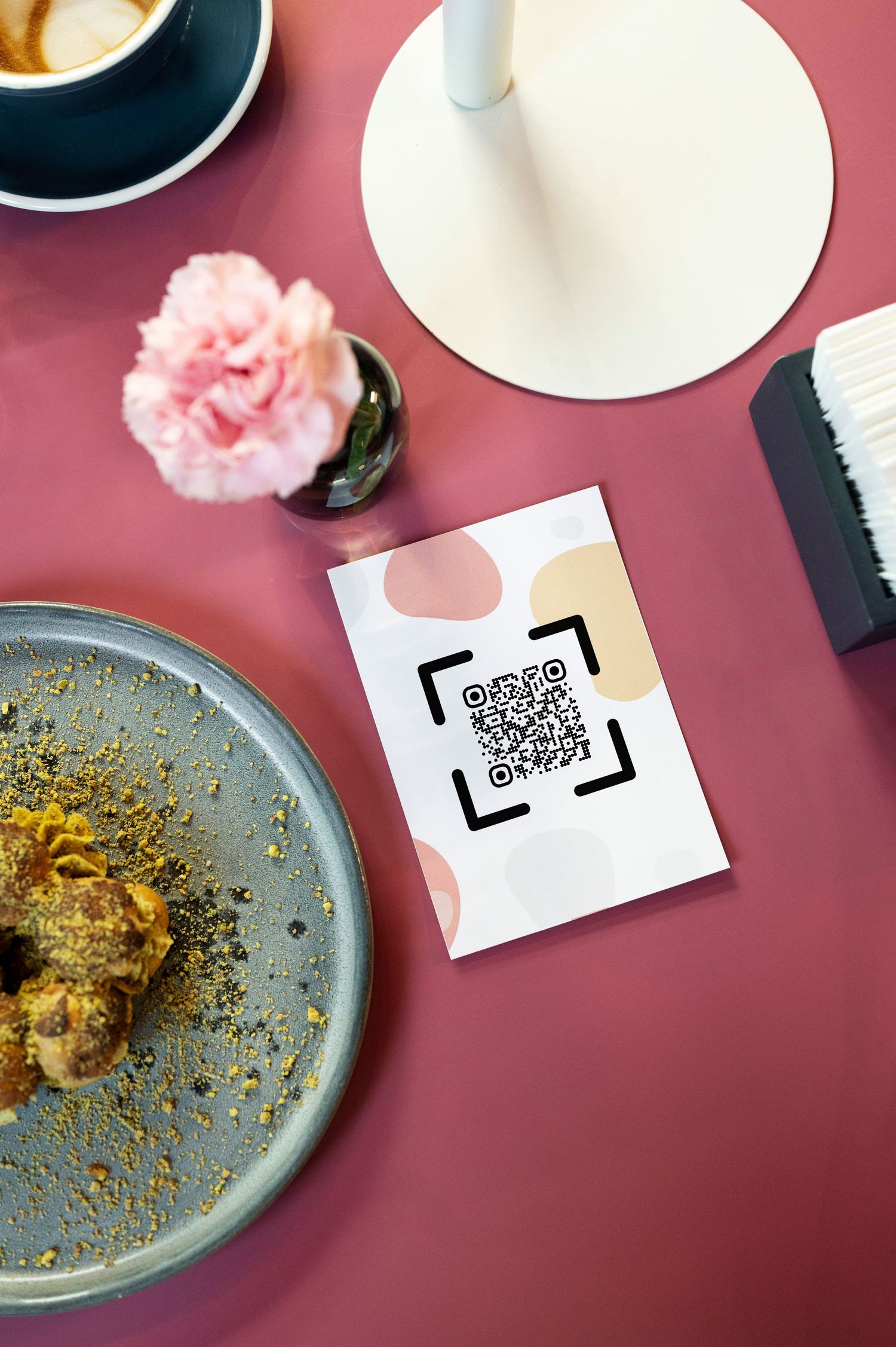
These days our answer is simple: "Even better. Scan this." A quick point of the phone camera at our QR code, and they land on our Linktree with everything they need to stay in touch, book us, or see more of our work. No digging through a wallet later. No lost card in the bottom of an event bag.
Hold on! Did you scan the QR code? If you skipped it, go back and give it a try. Trust me, it's worth it.
Why Business Cards Are Becoming a Thing of the Past
We have nothing against a beautifully printed card. But the way people find and connect with businesses has changed, and paper hasn't kept up.
They get lost. Most cards end up in a pocket, a junk drawer, or the recycling bin. By the time someone actually needs a photo booth for their next event, the card is long gone.
They go out of date. A new phone number, a new website, a rebrand (like our own move from Snapbox Photo Booth Co. to Snapbox Collective) means a whole box of cards becomes obsolete overnight.
They can only say so much. A card holds a name, a number, and maybe a logo. It can't show a gallery of past events, a video of our AI Sketch Bot in action, or the glow of the Lune booth's LED lights.
They add to waste. Printing, reprinting, and tossing stacks of cards isn't the most sustainable habit, especially when there's an easy alternative.
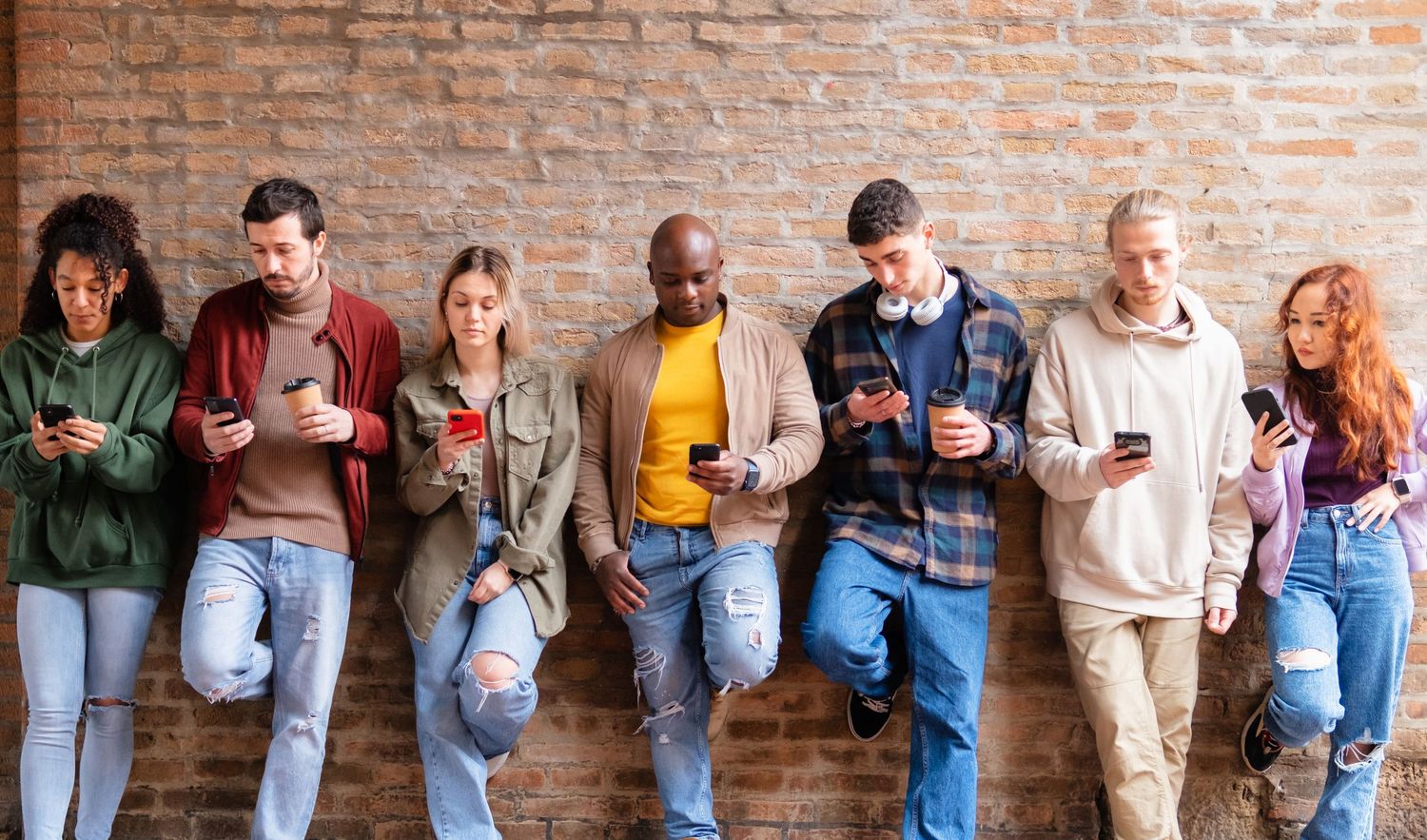
People already live on their phones. When someone wants to research a vendor, check reviews, or send an inquiry, they reach for their phone, not a stack of paper. Meeting them there just makes sense.
Why a QR Code to Your Linktree Works So Well
A QR code on its own is just a doorway. Pointing it to a Linktree page is what makes it powerful, because one scan opens up everything about your business in one place.
One scan, every link. Your website, Instagram, booking inquiry form, Google reviews, and latest blog posts can all live on a single page. Guests choose what interests them most.
Always up to date. When something changes, you update your Linktree once. The QR code stays the same, so the code on your booth signage, table tents, and print templates never goes stale.
It's instant. Most phone cameras read a QR code automatically. No app to download, no typing in a web address, no misspelled URLs.
It turns a moment into a connection. At an event, people are excited and engaged. A scan lets them follow you, save your info, or send an inquiry right then, while the experience is still fresh.
You can see what's working. Linktree shows how many people visit and which links they tap, so you learn what potential clients actually care about. That's something a paper card could never tell you.
How We Use QR Codes at Our Bay Area Photo Booth Events.
Our QR code goes everywhere we go. You'll find it on signage next to the Lune booth, near the AI Sketch Bot while guests watch the robot arms draw their portraits, and on display at our Glam Booth setups. It's even in our Welcome Screen!
It's often the moment right after someone gets their print, or sees their sketch come to life, that they ask how to book us. Instead of fumbling for a card, they scan, save, and share. Many of our inquiries now start exactly that way: a guest at one celebration who wants that same experience at their own.
Tips for Making Your QR Code Work Harder
- Put it where people pause. Check-in tables, photo booth signage, menus, and printed event photos are all natural spots.
- Add a short call to action. A simple line like "Scan to book" or "Scan for our socials" tells people why it's worth a scan.
- Keep your Linktree tidy. Lead with your most important links, like booking and reviews, and trim anything outdated.
- Make it easy to scan. Print it large enough, keep good contrast, and leave some clear space around it.
- Test it before every event. A quick scan from a couple of different phones saves an awkward moment later.
Let's Stay Connected
Business cards had a great run, but the best connections today happen in a single scan. If you're a small business owner, event planner, or creative, a QR code that leads to your Linktree is one of the easiest upgrades you can make.
Planning an event in the Bay Area? Check your date and request a quote